

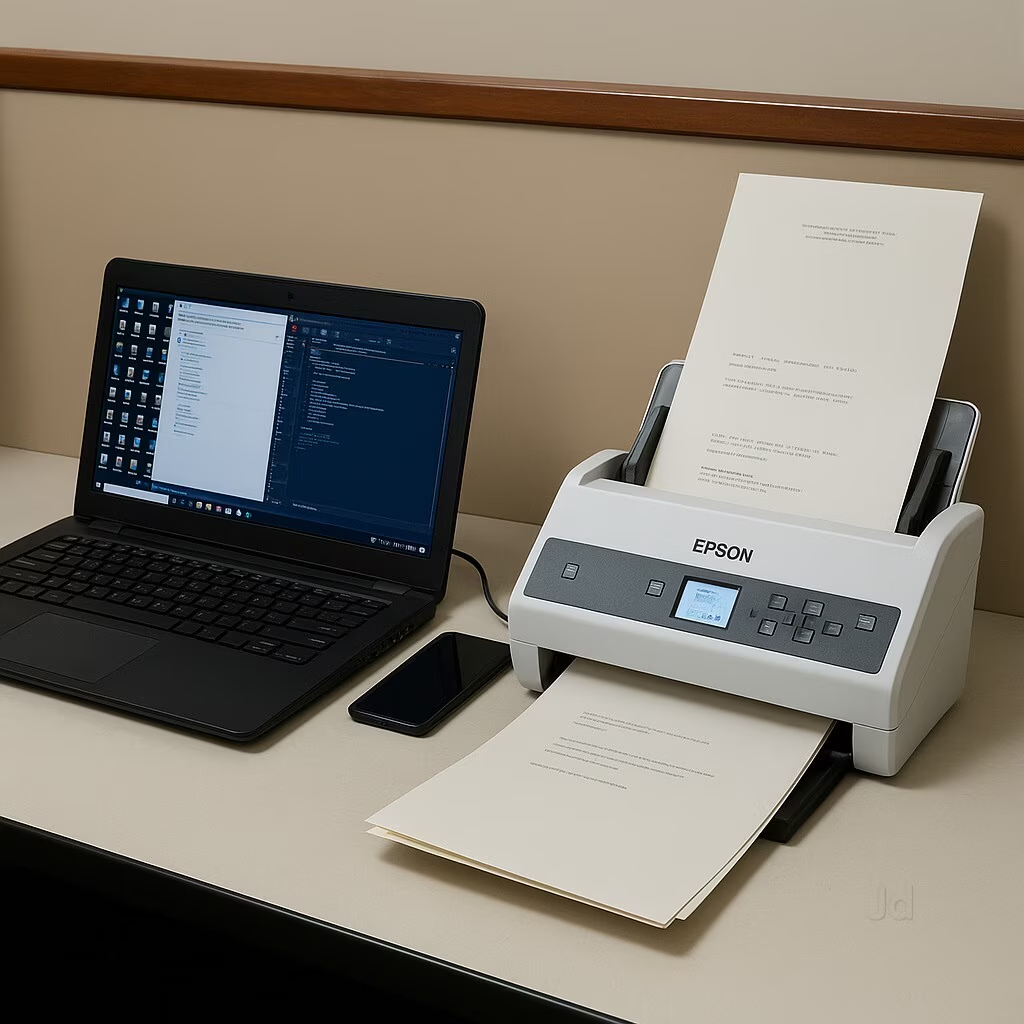
From Paper Files to Digital Records: How Document Scanning Helps Businesses Work Better
Walk into many offices and you will probably find the same thing: filing cabinets full of old records, boxes of documents stored in a corner, and shelves that have slowly become a permanent home for paperwork.
At first, this arrangement seems perfectly manageable. Employees know where the files are, and the documents are available whenever someone needs them.
The trouble starts when the business grows.
A company that handled a few hundred records a year may eventually have thousands of invoices, agreements, employee files, reports, and customer documents to maintain. Finding one particular record becomes harder, storage space gets tighter, and even a simple request can turn into an unnecessary search.
This is where document scanning can make a real difference.
What Is Document Scanning?
Document scanning is the process of converting physical paper documents into digital files using scanning equipment and suitable software.
A paper invoice, for example, can be scanned and saved as a PDF. The same process can be used for contracts, application forms, certificates, employee records, technical drawings, and many other business documents.
However, scanning is only the first step.
If a business scans thousands of pages and saves them under random file names, employees may still struggle to find the right document. To make digitization genuinely useful, scanned records need to be checked, named, organized, and stored in a way that suits the organization’s daily work.
Depending on the requirements, Optical Character Recognition (OCR) can also be used to recognize printed text inside scanned documents and make supported files searchable.
The goal is not simply to create digital copies of paper. It is to make important information easier to work with.
5 Ways Document Scanning Can Help Your Business
1. Find Important Documents More Easily
Think about the last time someone asked your accounts department for an old invoice or requested a copy of a signed agreement.
If the document is stored in a filing cabinet, someone needs to remember which cabinet, folder, and section contains it. If it is stored digitally with appropriate indexing, an employee may be able to locate it using the customer name, reference number, date, or another identifying detail.
OCR can take this a step further by allowing searches for recognized text within supported scanned files.
The actual time saved depends on how well the documents are organized, but a consistent digital filing process can make routine searches much less frustrating.
2. Make Better Use of Office Space
Paper records take up room. As the number of documents increases, businesses may need additional cabinets, storage shelves, or even separate rooms to keep them.
Scanning records that need to be retained can reduce the amount of physical storage required. It can also make it easier to identify which files need to remain in paper form and which can be managed digitally.
Before disposing of any original documents, businesses should check applicable legal, contractual, and record-retention requirements. Some records must be kept in their original form for a specified period.
3. Share Information Without Moving Paper Around
In a paper-based office, one department may have to wait for another department to finish using a file before it can be reviewed.
Digital copies can make collaboration easier. Authorized employees can access or share the same record without physically passing a folder from one desk to another.
For example, an accounts employee can retrieve a scanned purchase order while a manager reviews the corresponding invoice. With a suitable document management system, both records can be organized and accessed according to the company’s permissions.
This is particularly useful for businesses with multiple departments, branches, or employees working from different locations.
4. Protect Valuable Records From Everyday Damage
Paper documents can be damaged by moisture, dust, mishandling, fading, or accidental loss. Older records may become especially difficult to read as they deteriorate.
Creating good-quality digital copies gives organizations another way to preserve important information. When combined with appropriate backups, access controls, and recovery procedures, digitization can also support business continuity.
Of course, a scanned copy is not automatically a complete backup strategy. Digital files still need protection against accidental deletion, hardware failure, unauthorized access, and other risks.
5. Prepare Your Business for More Efficient Workflows
Once records are available digitally, businesses can explore other improvements.
For instance, invoices can be indexed by supplier and invoice number. Employee documents can be grouped by department and record type. Contracts can be organized by customer, expiry date, or agreement category.
When digitized files are connected to suitable document management software, organizations may also be able to introduce approval workflows, document tracking, retention rules, and more structured retrieval processes.
These improvements do not have to happen all at once. A well-organized scanning project can provide a useful starting point.
Which Documents Should You Scan First?
One common mistake is trying to digitize every document in the office without deciding what the business actually needs.
A more practical approach is to start with records that employees frequently request or that are particularly important to daily operations.
Financial documents: Invoices, purchase orders, receipts, payment records, and supporting financial paperwork.
Human resources records: Employee forms, appointment letters, training certificates, and other personnel documents, subject to applicable privacy and retention requirements.
Legal and contractual documents: Agreements, signed forms, service contracts, and related correspondence.
Educational records: Admission forms, student documents, certificates, examination records, and administrative files.
Healthcare and hospital records: Administrative paperwork, referral documents, supporting reports, and other records handled under appropriate healthcare privacy and access controls.
Technical and operational records: Maintenance reports, equipment documents, quality records, and technical drawings.
The best starting point is usually the collection that causes the most inconvenience today. Once the process works well for that collection, the organization can expand it to other departments.
What Makes a Good Document Scanning Process?
A successful scanning project involves more than placing paper into a scanner. A little planning can prevent a great deal of rework later.
Step 1: Review and prepare the documents
Separate the records by type, remove staples where necessary, arrange pages in the correct order, and identify damaged or unusually sized documents that may need special handling.
Step 2: Choose the right scanning quality
The settings should suit the original documents and how the digital files will be used. Ordinary printed paperwork has different requirements from detailed technical drawings, photographs, or faded historical records.
The objective is to capture clear, complete, readable images without creating unnecessarily large files.
Step 3: Organize and index the files
Decide how the documents will be named and which details should be recorded. Depending on the project, useful fields might include document type, date, customer name, department, reference number, or file category.
Consistent naming and indexing make the resulting archive far more useful.
Step 4: Use OCR where it adds value
OCR can help turn scanned images of printed text into searchable documents. Its accuracy depends on factors such as image quality, document condition, language, fonts, and layout.
Important information should be checked when accuracy matters, particularly for financial, legal, or personal records.
Step 5: Check the scanned results
Quality checks should confirm that the pages are readable, complete, correctly oriented, and associated with the right records. Missing pages or incorrectly indexed files can create problems later, so this step should not be overlooked.
Step 6: Store the files appropriately
Save the digitized records in a suitable, organized location. For large collections or documents used by multiple departments, a document management system can provide additional search, access-control, and tracking capabilities, depending on its features.
Should You Scan Documents In-House or Use a Professional Service?
The answer depends on the volume of documents, available equipment, staff capacity, and the level of accuracy and organization required.
For a small number of everyday documents, an office scanner may be perfectly adequate. Employees can handle the work as part of their normal routine.
A large archive is a different matter.
Thousands of pages may require preparation, consistent scanning settings, careful indexing, quality checks, and secure handling. Trying to complete all of this alongside normal office responsibilities can place a significant burden on staff.
Professional document scanning services can help organizations manage larger digitization projects using a planned process. Before choosing a provider, ask about document handling, confidentiality, scanning quality, OCR requirements, indexing, quality assurance, delivery formats, and how the original paperwork will be returned or retained.
It is also worth agreeing on a sample batch before processing the entire collection. This allows both parties to check the image quality, file naming, indexing structure, and overall output.
Why Scanning Alone Is Not the End of the Process
Imagine that your company has successfully scanned ten years of invoices. Every invoice is now a PDF, and the filing cabinets have been cleared.
But the files are saved in hundreds of folders, the names are inconsistent, and nobody knows which folder contains a particular supplier’s records.
The paper problem has been reduced, but the search problem remains.
This is why document scanning and document management work well together. Scanning creates the digital records, while a properly configured document management system helps organize, retrieve, control, and maintain them.
For organizations with large document collections, combining these processes can provide a more sustainable way to manage records as the business grows.
Make the Move to Digital Records With a Clear Plan
Document scanning does not have to mean changing every office process overnight.
Start by identifying the records that are hardest to manage. Estimate their volume, decide how employees will search for them, and establish the requirements for image quality, indexing, security, and storage.
Then choose an approach that fits the project, whether that means scanning a small batch internally or working with a professional service for a larger archive.
Ideal Doc System offers document scanning and digitization services to help organizations move from paper-based records toward more manageable digital archives. Businesses can explore an approach suited to their document volumes, working requirements, and long-term plans.
Still dealing with overflowing filing cabinets or difficult-to-find records? Contact Ideal Doc System to discuss your document scanning and digitization requirements and take the first step toward a more organized workplace.